 SolarPD
2D and 3D design studio
Drag panels, devices and wires on a 3D model of the house and see power flow on the roof.
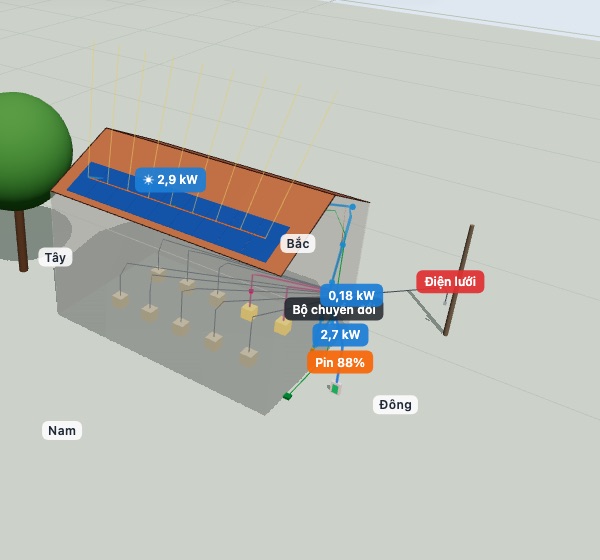
Solar design app for iPhone, iPad and Android
Draw the roof, place panels, watch the sun move hour by hour and power flow into the house, the battery or the grid. Every number shows its source.
How SolarPD works
Pick the roof shape, size and orientation. Panels fill the usable roof area and avoid obstacles.
SolarPD computes the sun position for your site and date, then lights every panel, including shade from trees and neighbours.
Watch power travel from the roof through the inverter to your appliances, into the battery or out to the grid.
Hourly and daily yield with the model, data source and assumptions. Anything illustrative is clearly labelled.
Illustrative animation, not data from a real house.
Features
Drag panels, devices and wires on a 3D model of the house and see power flow on the roof.
A touch interface for iPhone, iPad and Android.
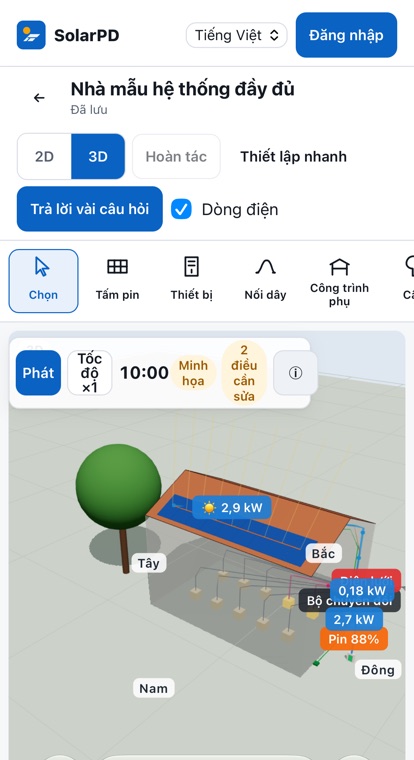
Projects live on your device, save automatically and keep backups.
Sign in to sync. When two devices edit at once, SolarPD keeps both versions.
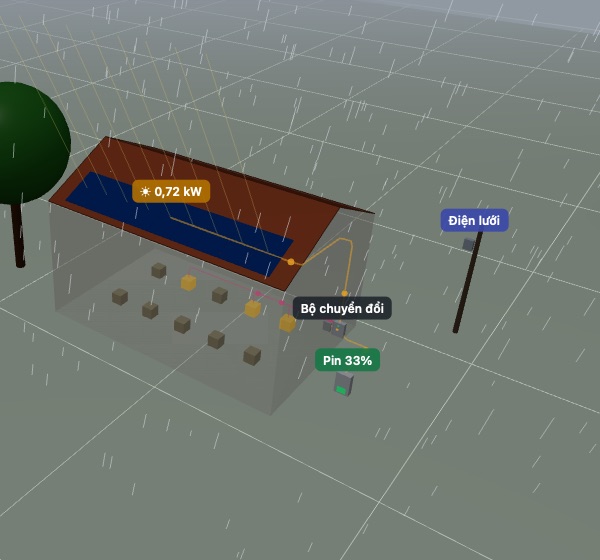
Sun, clouds and rain appear on the roof so you can compare yield.
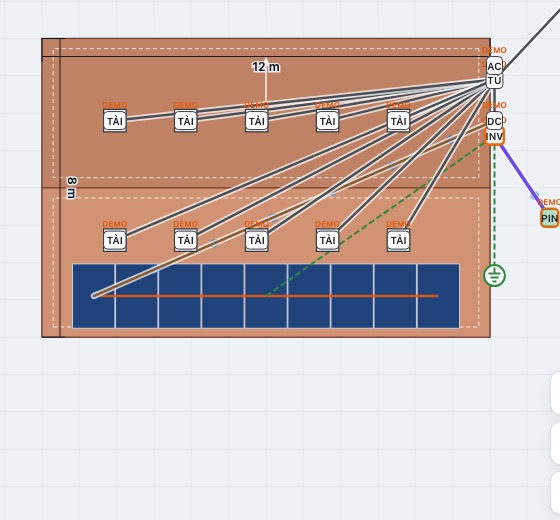
Suggested strings and wires, with warnings when devices don't match.
NREL SPA for the sun position, PVGIS-ERA5 and NASA POWER for weather, with model limits stated.
Switch language any time; numbers and dates follow each country's format.
Screenshots of a development build; the interface may change.
Beta preview
The app is in testing. Once released, the download buttons on this page will link straight to the App Store and Google Play.
The mobile app is in testing and not yet released in the stores.